
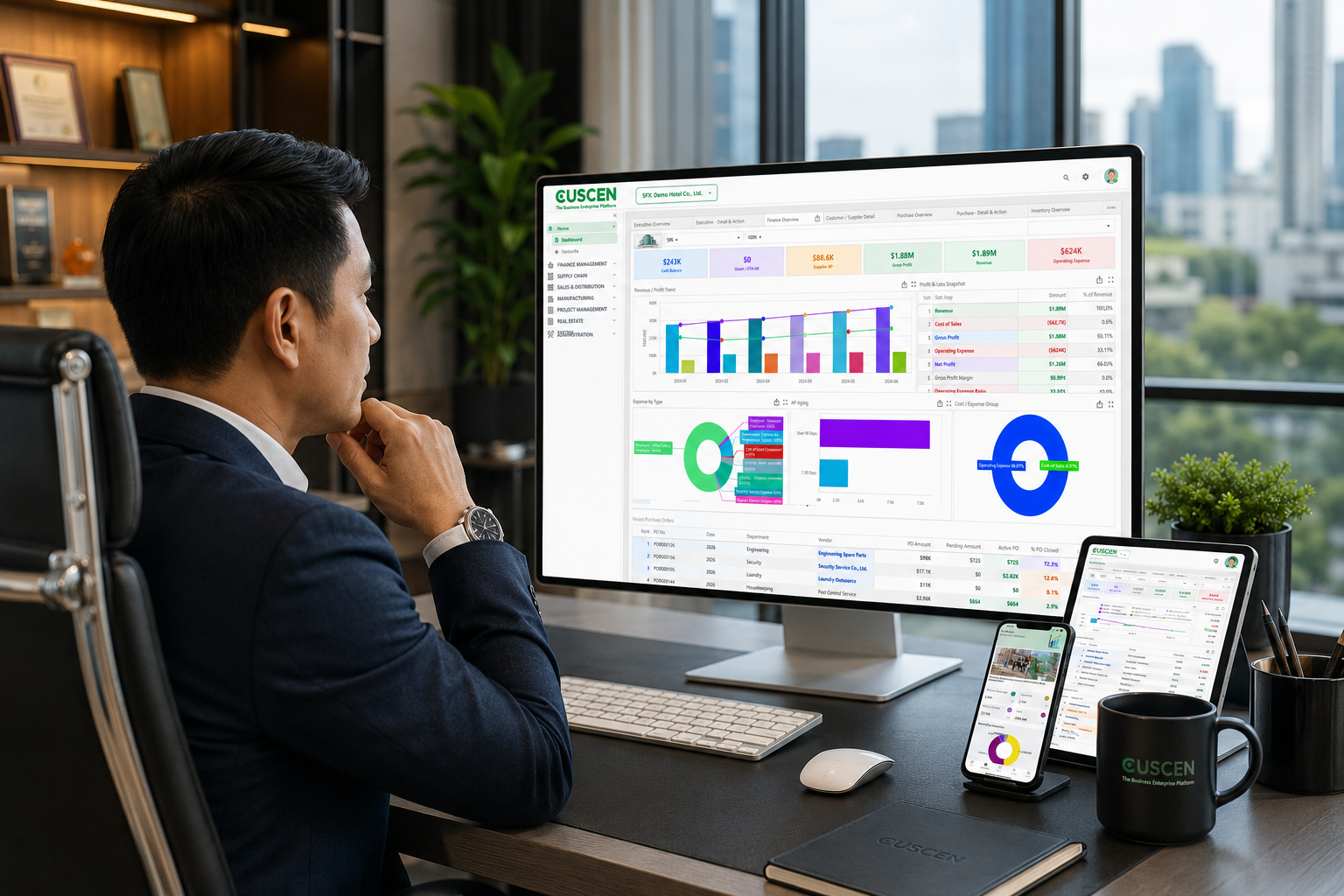
CUSCEN ERP Suite
Responding with Agility to rapid changes is essential in today’s business environment. Medium businesses require an ERP sthat is tailored to their needs and has the flexibility to evolve with their business.
CUSCEN ERP powers growth with Agility.
Solution
Best Practices
CUSCEN ERP leverages industry best practices, enhancing productivity, reducing errors, and improving consistency.
Enterprise Ready
CUSCEN ERP offers the breadth of modules that businesses require with the deep functionality allowing you to scale your business with the complexity.
Insights
CUSCEN ERP analytics delivers deep insights, patterns and trends leading to informed decisions.
Automation
CUSCEN ERP automates common processes by handling repetitive tasks like invoice processing, bank reconciliation and inventory management amongst others.
Reporting
CUSCEN ERP comes with a full set of standard reporting that your business needs out of the box.
Available
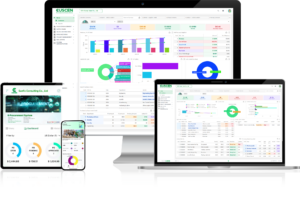
Available anytime, anywhere and on any device. Access CUSCEN ERP remotely. Offer seamless collaboration, reduce IT costs, and scale as and when needed.
M o d u l e s
Financial Management
It is a core module to manage all financial transactions, accounting processes, budgeting, reporting, and compliance activities within an organization.
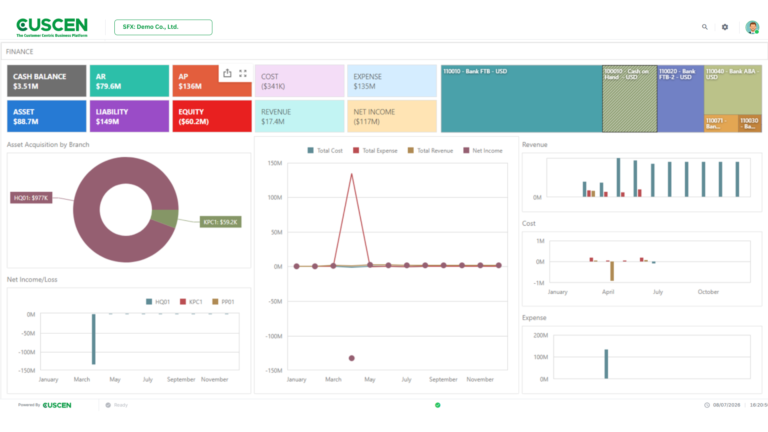
General Ledger (GL)
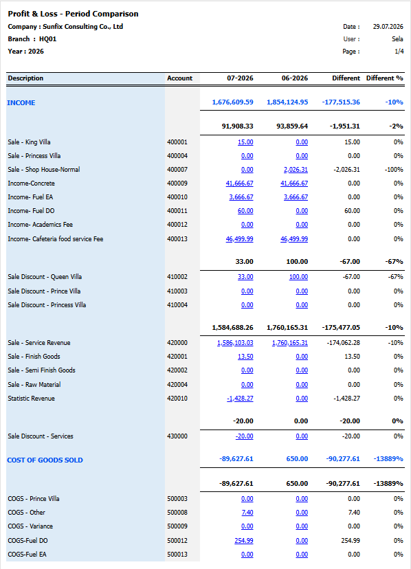
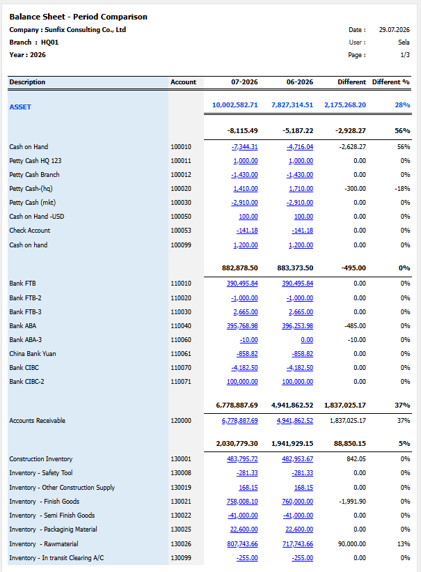
Records all financial transactions, Supports multi-segment chart of accounts, Multiple Ledgers, Multiple Dimensions, Multiple Currencies, Generates financial statements (Balance Sheet, P&L, Trial Balance).
Accounts Payable (AP)
Manages money the company owes to suppliers, Supplier invoices, Payment processing, 3‑way matching (PO, Goods Receipt, Invoice).
Accounts Receivable (AR)
Manages money owed to the company by customers, Customer invoices, Receipts and collections, Credit control and Customer aging reports.
Tax Management
Automatically handles VAT, WHT and Tax Report
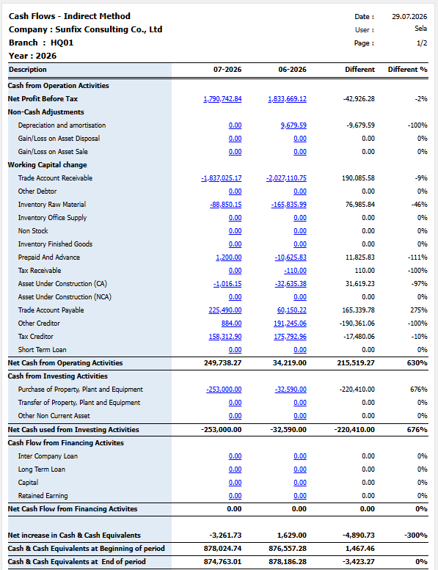
Fixed Asset
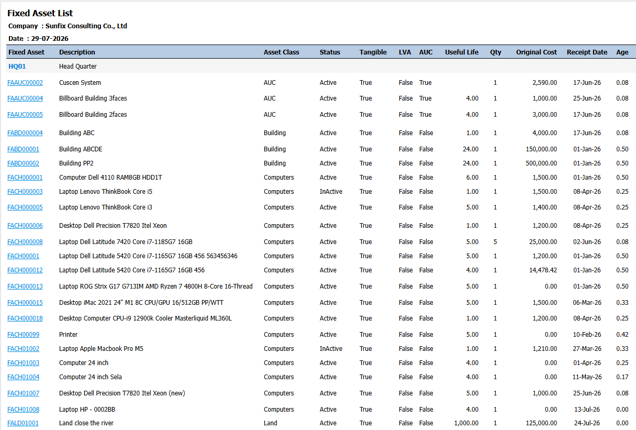
Fixed Asset Management is the structured approach to maintaining accurate records, calculating depreciation, monitoring usage, ensuring compliance, and planning replacements or maintenance for fixed assets.
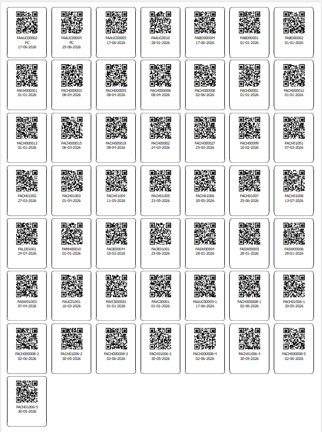
Asset Registration & Tagging
Assigning asset codes or barcodes/QR codes, Recording key details (purchase date, cost, serial number, location), Creating a master list of all assets
Depreciation Management
Automatically calculating depreciation for accounting purposes
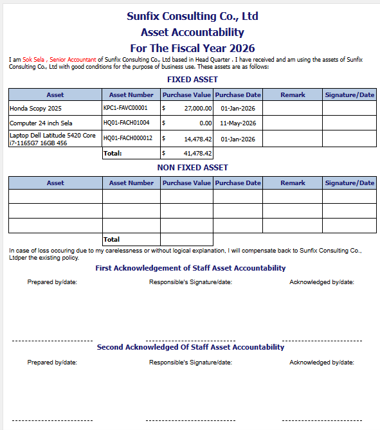
Asset Tracking
Managing asset transfers between departments and location
Asset Verification (Physical Count)
Reconciling physical assets with records, Identifying stolen, missing, or obsolete items
Asset Disposal & Retirement
Properly retiring assets that are fully depreciated, Damaged beyond repair or Obsolete. Recording disposal values and accounting impacts
Budget Management
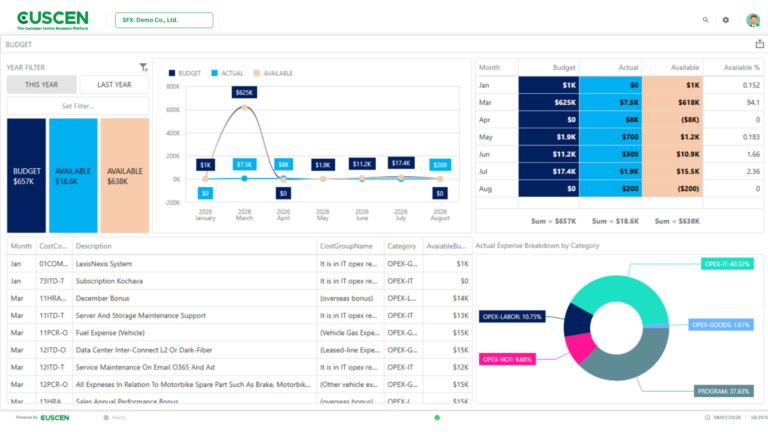
CUSCEN Budget Management ensures that every purchase or expense is linked to an approved budget. It gives management clear visibility into who is spending, how much budget has been used, how much remains available, and whether spending is within the approved plan.
Process Flow: Budget Planning → Budget Allocation → Budget Carry Forward → Budget Consumption
Budget Planning
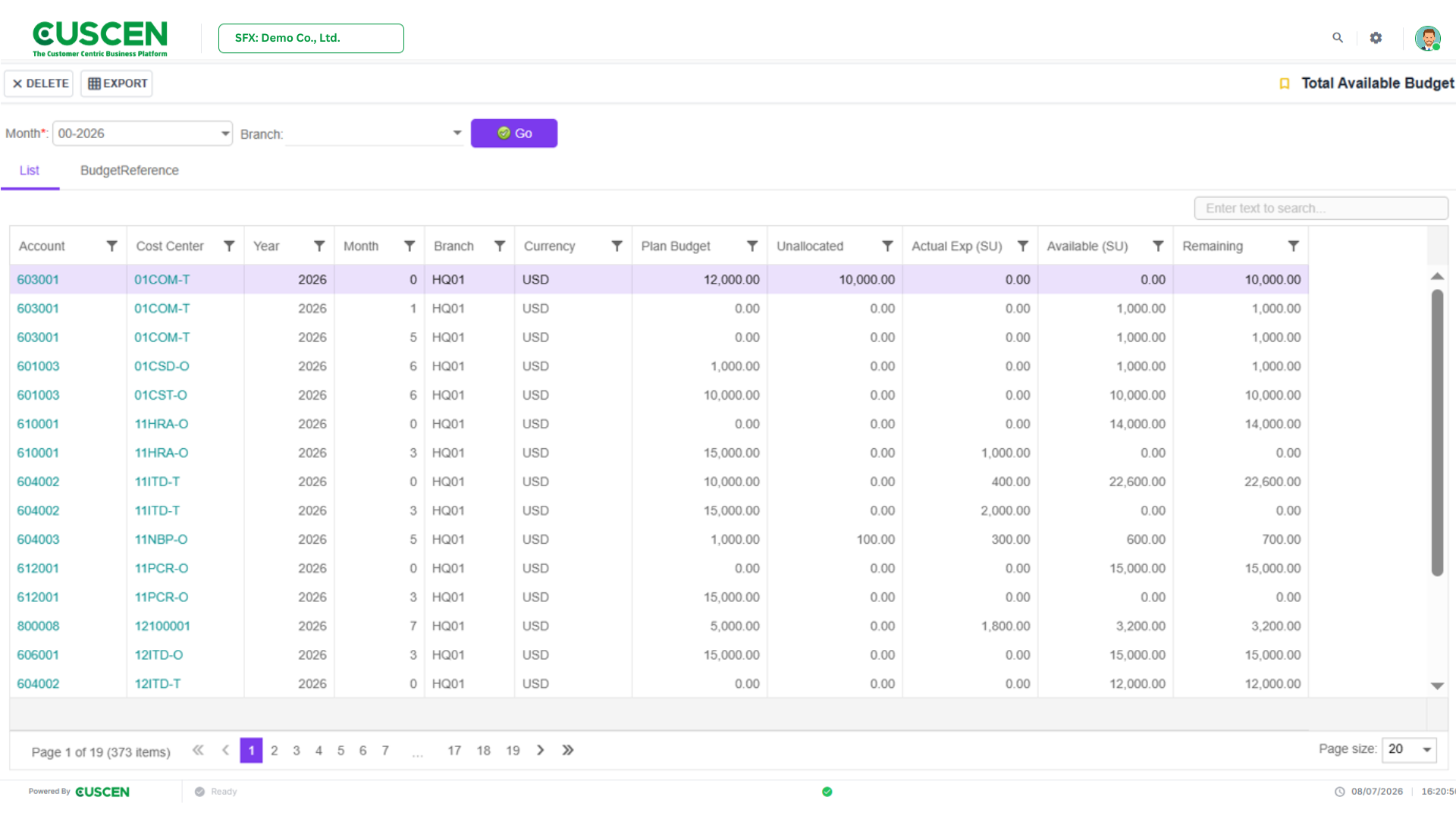
is the first step in preparing and uploading proposed or approved budgets into the system. Budgets can be maintained by:
- Fiscal year or period
- Account
- Branch
- Cost center
- Budget amount
Two budget-control methods are supported:
+ Annual Budget
The spending unit can consume the approved budget across the entire fiscal year, subject to the annual budget limit.
+ Period Budget
The spending unit can consume the budget only within the specified accounting period.
Budget Allocation
confirms that the planned budget is available for use by the spending unit. After allocation, the system can check the available budget when users create transactions such as:
- Purchase Requests
- Purchase Orders
- Other spending transactions
Only allocated amounts are available for commitment and consumption.
Budget Carry Forward
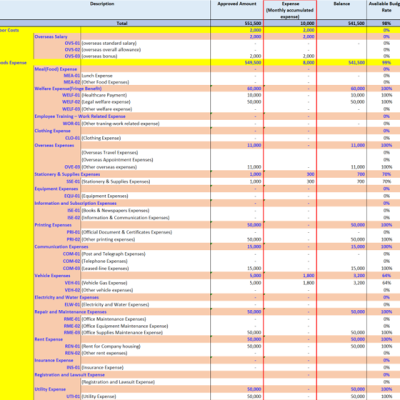
transfers the remaining unused budget balance from one period or fiscal year to the next period or year, according to company policy. The system can retain a clear audit trail of:
- Original budget
- Consumed amount
- Remaining balance
- Amount carried forward
- Destination period or fiscal year
Budget Consumption
After the budget has been allocated and made available, the spending unit can begin the purchasing or expense process. A Purchase Request or Purchase Order reserves part of the available budget as a commitment. When the goods, services, invoice, or expense are recorded, the commitment is converted into actual consumption.
The normal consumption flow is: Purchase Request → Budget Commitment → Purchase Order → Actual Expense
Distribution
➤ Procurement
➤ Sales
➤ Inventory Management
Advanced Manufacturing
➤ Advance Production
➤ Quality Check
Fund Management
➤ Source Of Fund
➤ Fund Center
➤ Budget Line
➤ Fund Program
➤ Budget Period
Transform Operations
Automate Financial Processes
Unlock the power of automation. Embrace seamless financial processes, saving time and effort. Empower your business with increased efficiency and improved accuracy.
Real-time Inventory Insights
See your inventory clearly. Gain full visibility with our inventory management solution, empowering you with real-time insights for smarter decisions and enhanced control.
Flawless Order Management
Streamline order management. Enjoy flawless operations, increased efficiency, and satisfied customers. Take charge of your business with our seamless order management solution.
Rapid Customization
Tailored for your needs. Enjoy high customization capabilities that cater to your unique requirements. Unlock the full potential of our solution to meet your business demands.